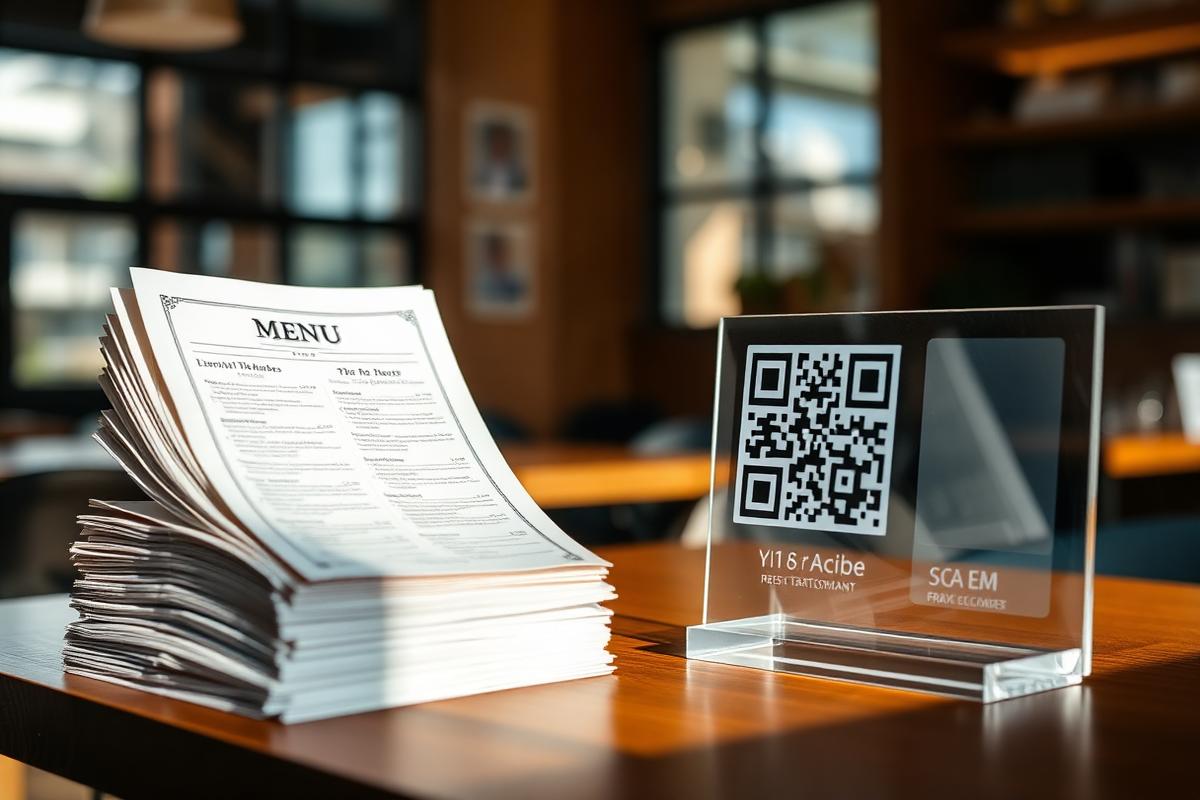
Most restaurants think switching to a QR-based menu is a two-month project. It isn't. With the right playbook you can be fully live — printed table QRs, kitchen printer connected, staff trained — in seven working days. Here is exactly how we run this rollout for every new Dinegram restaurant.
Day 1 — Menu extraction
We take your existing PDF or paper menu and let the Dinegram AI scanner turn it into a structured catalog: categories, dishes, modifiers, prices. What used to take a full evening of typing now takes under an hour of review.
Day 2–3 — Photography and translation
Every dish gets an AI-generated hero image (or we ingest yours), plus optional translations to Arabic, Hindi, Malayalam, French — anything your guests speak. This is the step that visually separates a modern menu from a scanned PDF.
Day 4 — POS + printer wiring
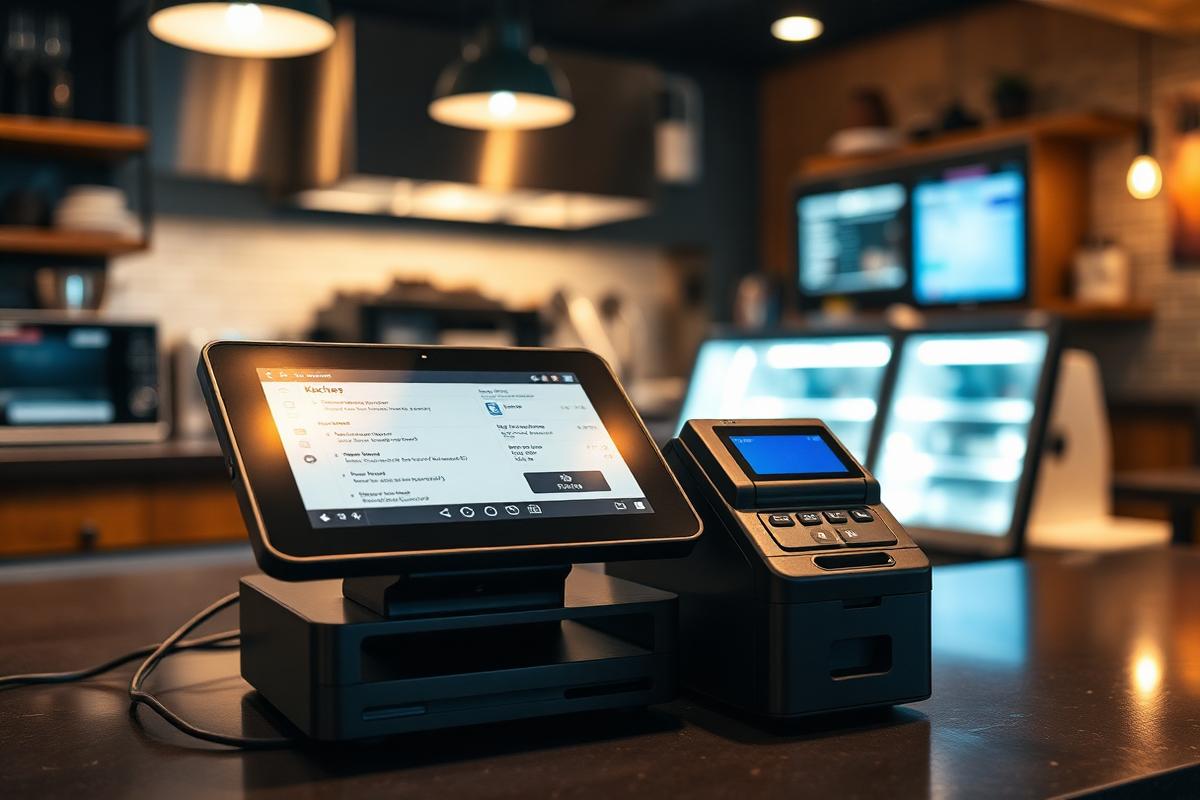
We pair your kitchen and bar printers, set up the ticket templates, and connect payments. If you already run a POS, Dinegram mirrors orders into it — no double entry.
Day 5 — Staff walk-through
A 45-minute session for floor staff. Focus is on three flows: taking table calls, editing an order after submit, and reprinting a KOT. That is 90% of what they will ever touch.
Day 6 — Soft launch
One shift, one section of the room. Real guests, real orders, live monitoring. Small enough to fix anything, big enough to expose the real edge cases.
Day 7 — Full switchover
Paper menus off the tables, printed QR stands in place, staff running the whole floor from Dinegram. From here it is just iteration — new dishes, new promotions, better photos. The trick is not speed for its own sake. It is that a compressed rollout keeps everyone focused. Long projects die of a thousand context switches; a seven-day rollout barely gives them time to start.