The Shift to Digital Menus for Small Businesses
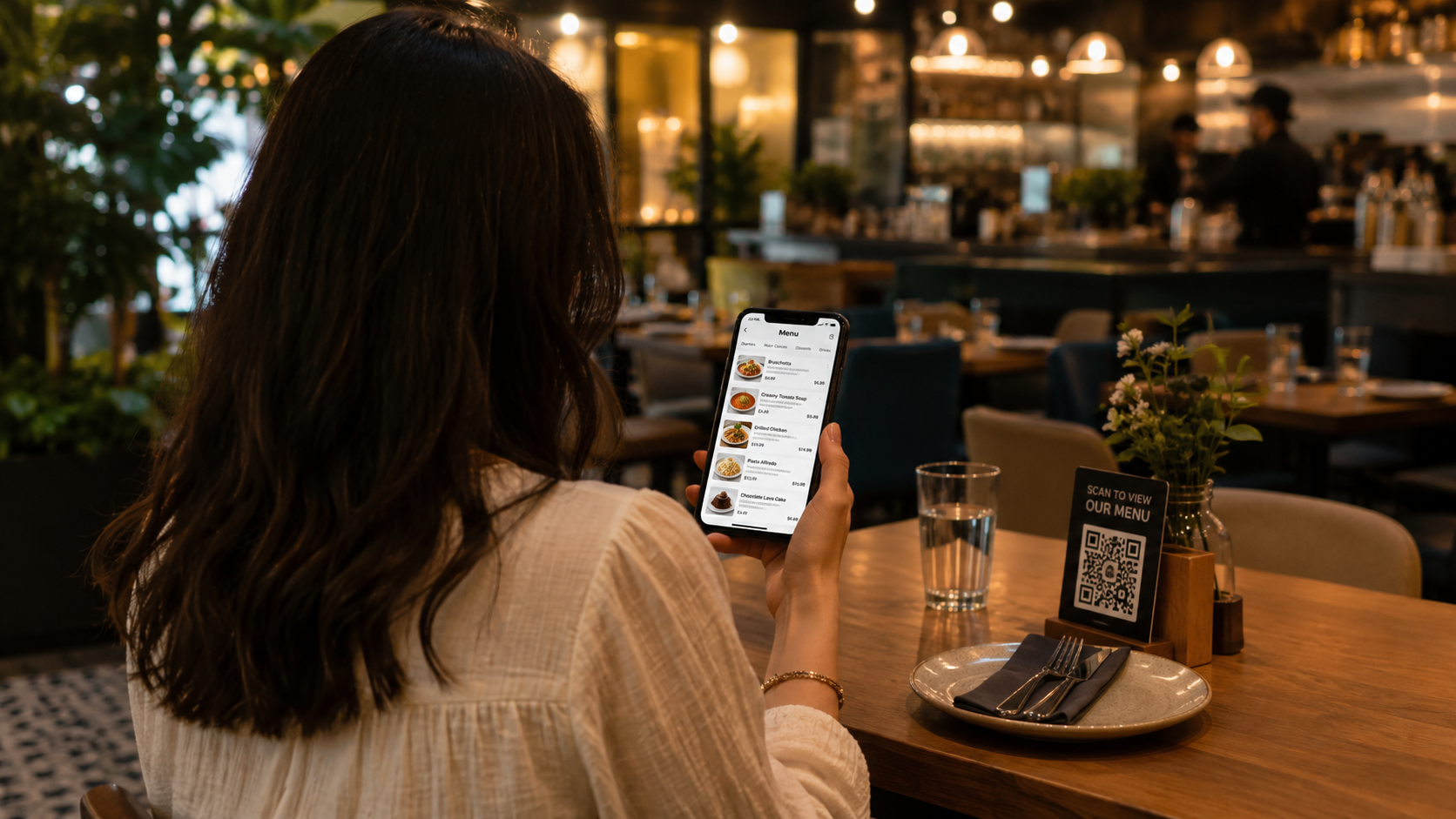
A dynamic menu is a digital display or QR-based system that allows cafe owners to update items, prices, and availability in real-time. Unlike static printed menus, dynamic menus eliminate reprinting costs and help manage customer expectations instantly. For small cafes, the goal is to achieve this modern functionality without the enterprise-level price tag.
Why Small Cafes Need to Go Digital
Traditional printing can cost a small cafe hundreds of dollars annually. Beyond costs, dynamic menus offer: • Instant Updates: Sold out of the morning's sourdough? Remove it from the menu in seconds. • Upselling Opportunities: Use high-quality visuals to promote high-margin items like specialty lattes or pastries. • Labor Efficiency: QR code menus allow customers to browse and sometimes pay, reducing the pressure on counter staff.
The QR Code Strategy: The Most Affordable Entry Point
A DIY QR menu is the most cost-effective way to start. Instead of expensive tablets at every table, you provide a single access point via a sticker or stand.
| Feature | PDF QR Menu | Dynamic Web Menu |
|---|---|---|
| Cost | Free/Low | Subscription-based |
| Updates | Must re-upload file | Instant dashboard sync |
| Searchable | No | Yes |
| UX Quality | Poor (pinch-to-zoom) | High (mobile-optimized) |
For a professional feel, avoid simple PDFs. Use a platform like MenuVerse that offers a mobile-responsive interface, ensuring customers can navigate your offerings smoothly on any smartphone.
Sourcing Affordable Digital Menu Board Hardware
You do not need commercial-grade monitors to start. Many small cafes find success using consumer-grade Smart TVs. • Hardware Choice: A 40-50 inch 4K Smart TV from a retail brand (Vizio, Samsung, or TCL) is often sufficient for indoor use. • Connectivity: Use a simple media player or an Amazon Fire Stick. These devices can run cafe menu software apps directly, turning a standard TV into a dynamic sign. • Mounting: Standard VESA wall mounts are inexpensive and easy to install, saving you professional installation fees. • Lighting: Ensure the TV has a 'matte' finish or is positioned away from direct sunlight to prevent glare.
Choosing the Right Cafe Menu Software
When evaluating software, look for features that minimize your daily workload. A good platform for a small business should include: • Cloud Management: Update your menu from home or on your phone. • Scheduling: Automatically switch from a breakfast menu to a lunch menu at a specific time. • Templates: Use pre-designed layouts so you don't have to hire a graphic designer. • Offline Mode: Ensure the menu stays up even if the cafe's Wi-Fi flickers.
Designing for Readability and Conversion
A cluttered menu confuses customers and slows down the line. Follow these design principles: The Rule of Three: Limit your font choices to three styles to maintain a clean look. High Contrast: Use dark text on light backgrounds or vice versa. Avoid neon colors for body text. Negative Space: Leave room between items. If the screen feels cramped, you have too many items listed. The Golden Triangle: Customers often look at the center of the screen first, then the top right, then the top left. Place your highest-margin items in these zones.
Managing Your Digital Menu Budget
To keep costs low, follow this tiered investment approach: • Phase 1 ($0 - $50): Implement a dynamic QR menu system. Print high-quality QR codes on table tents or at the register. • Phase 2 ($200 - $400): Purchase one Smart TV and a basic bracket. Use it as a secondary display for specials. • Phase 3 ($500+): Replace all static overhead boards with synced digital displays using a dedicated cafe menu software subscription.
Conclusion
Transitioning to a dynamic menu doesn't require a Silicon Valley budget. By starting with mobile-optimized QR menus and graduating to consumer-grade hardware for digital boards, small cafes can compete with larger chains, improve operational efficiency, and provide a superior experience for their guests.